When you live abroad as expat, immigrant or asylum seekers, is it
useful to have the possibility to change the language settings of Google, so
that you may search in your own language
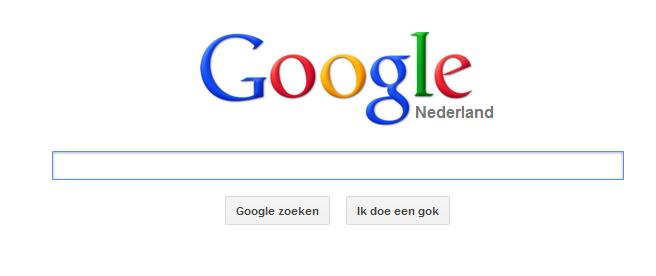
(We assume that the start page is Google Netherlands and that the language
on the computer is "Dutch". )
Click on the button "Instellingen" right under to change the settings
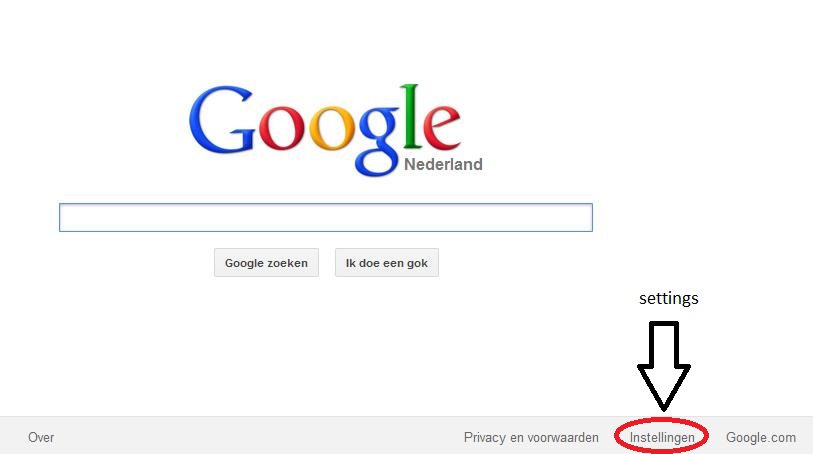
Choose "Zoekinstellingen" (Search settings)

Click on "Talen" (Languages)

Choose "Swahili" and click on "Opslaan" (save)

Give ok.

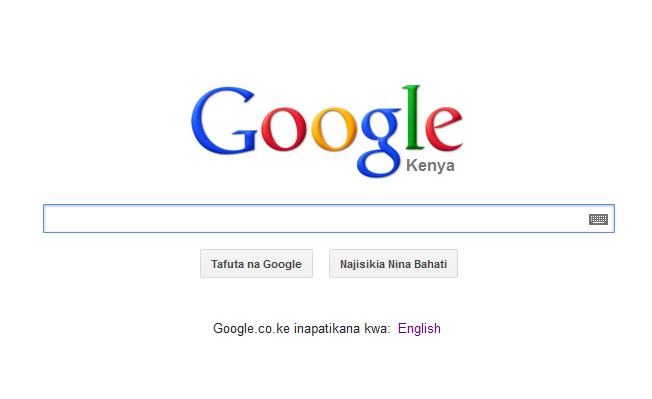
It is now possible to search in Swahili with Google Nederland.
The advantage of searching with Google Nederland, is that the information is
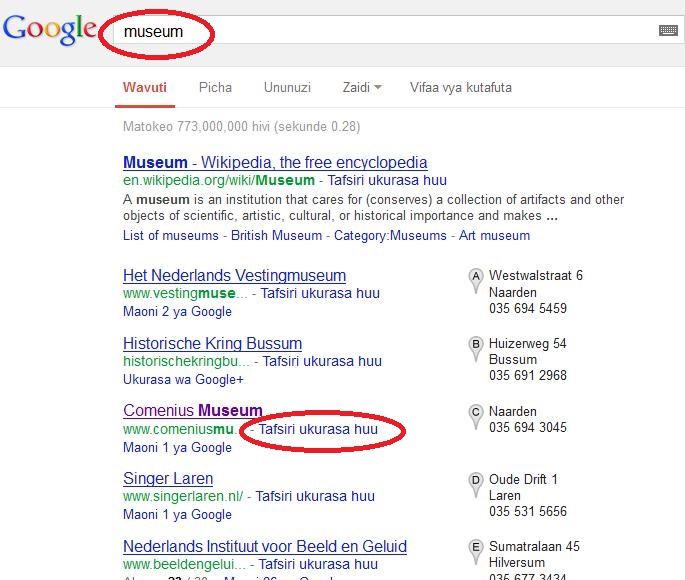
concentrated on the Netherlands. When you ask about museums,
you will get information about Dutch Museums, which is useful as
you live in the Netherlands.
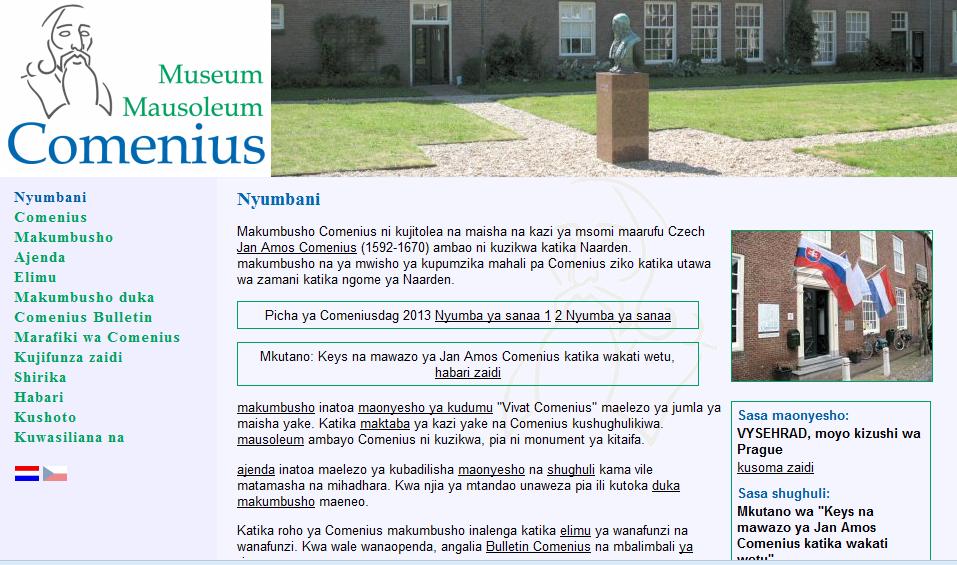
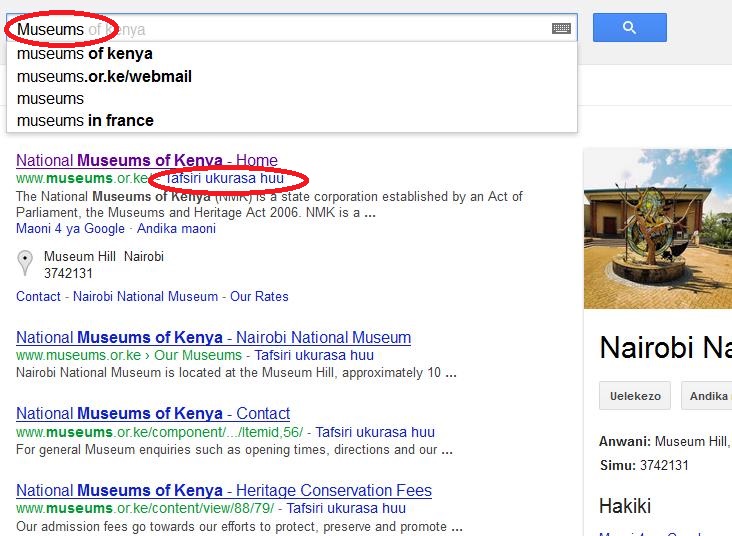
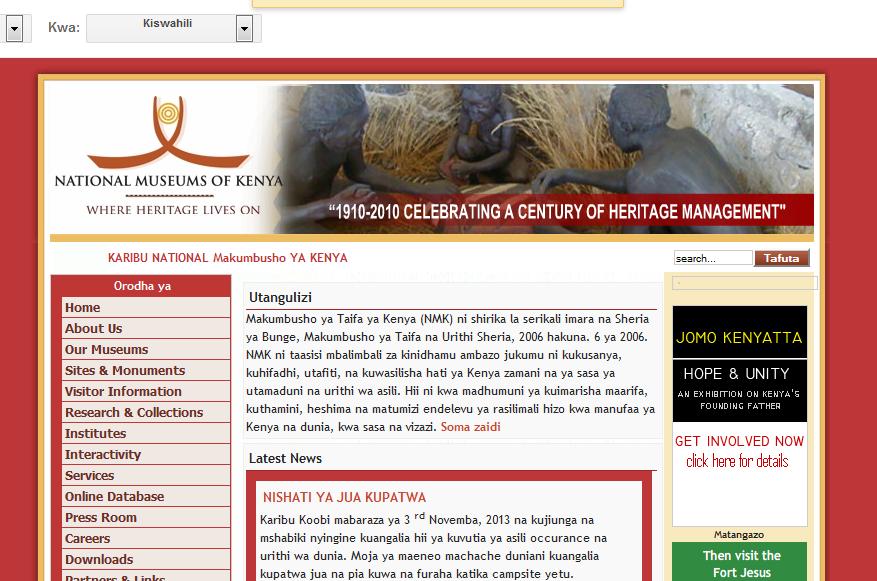
The target site will also be translated by clicking "Tafsiri ukarasa huu"
(= translate). See the next example.
|